Lumi
Ask for it the way you’d say it.
Lumi is the helper in the corner of every page in Lumerell. Type or say what you need, and Lumi works on your curriculum map or the material you have open, then tells you what it changed. It can reply out loud, too.
Plan
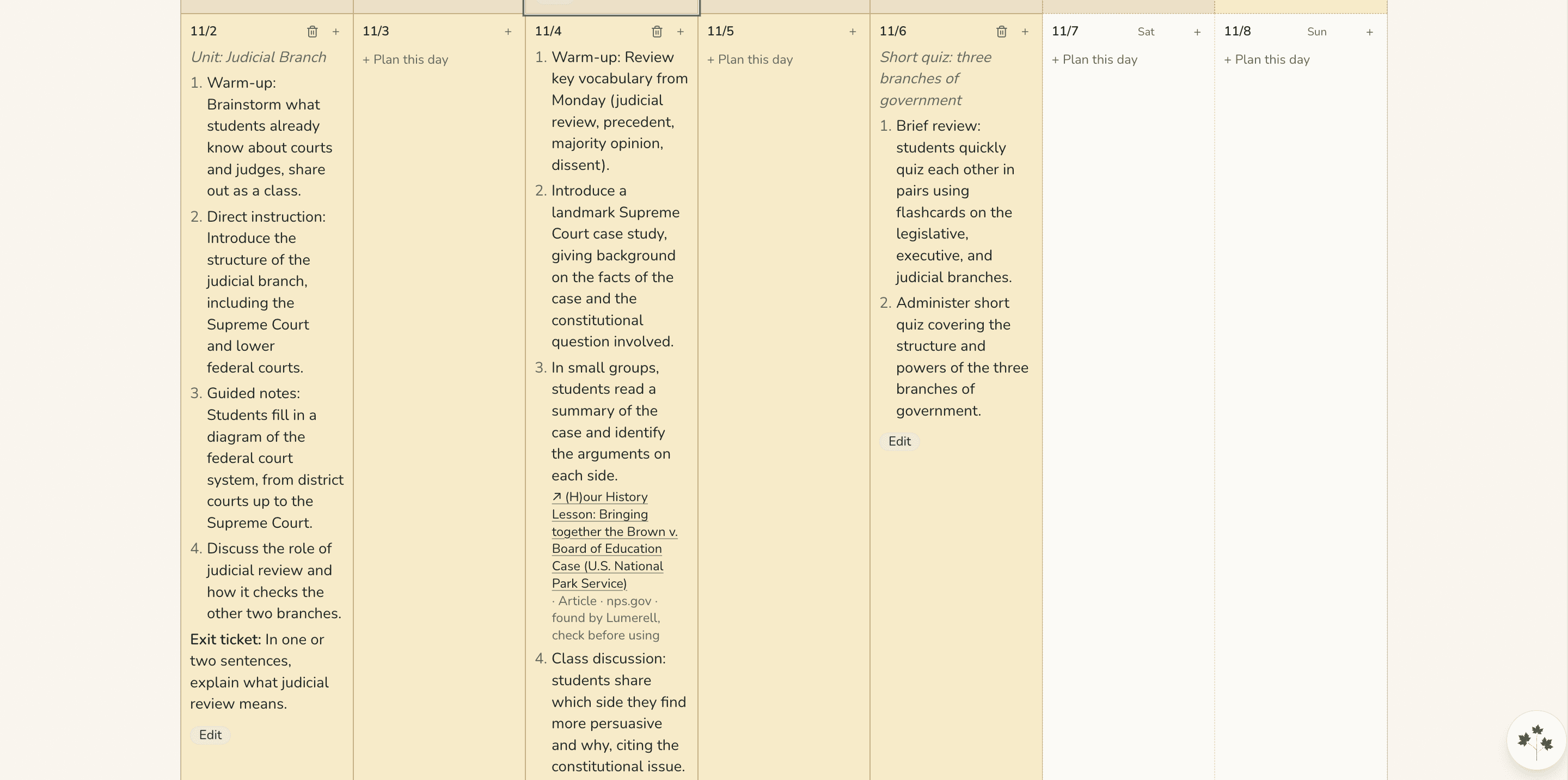
Plan days from one sentence.
Tell Lumi what the week should hold, and it writes those days onto your map, with lesson steps you can edit.
Changed your mind? Undo above the calendar puts the days back, for up to 72 hours.
Edit
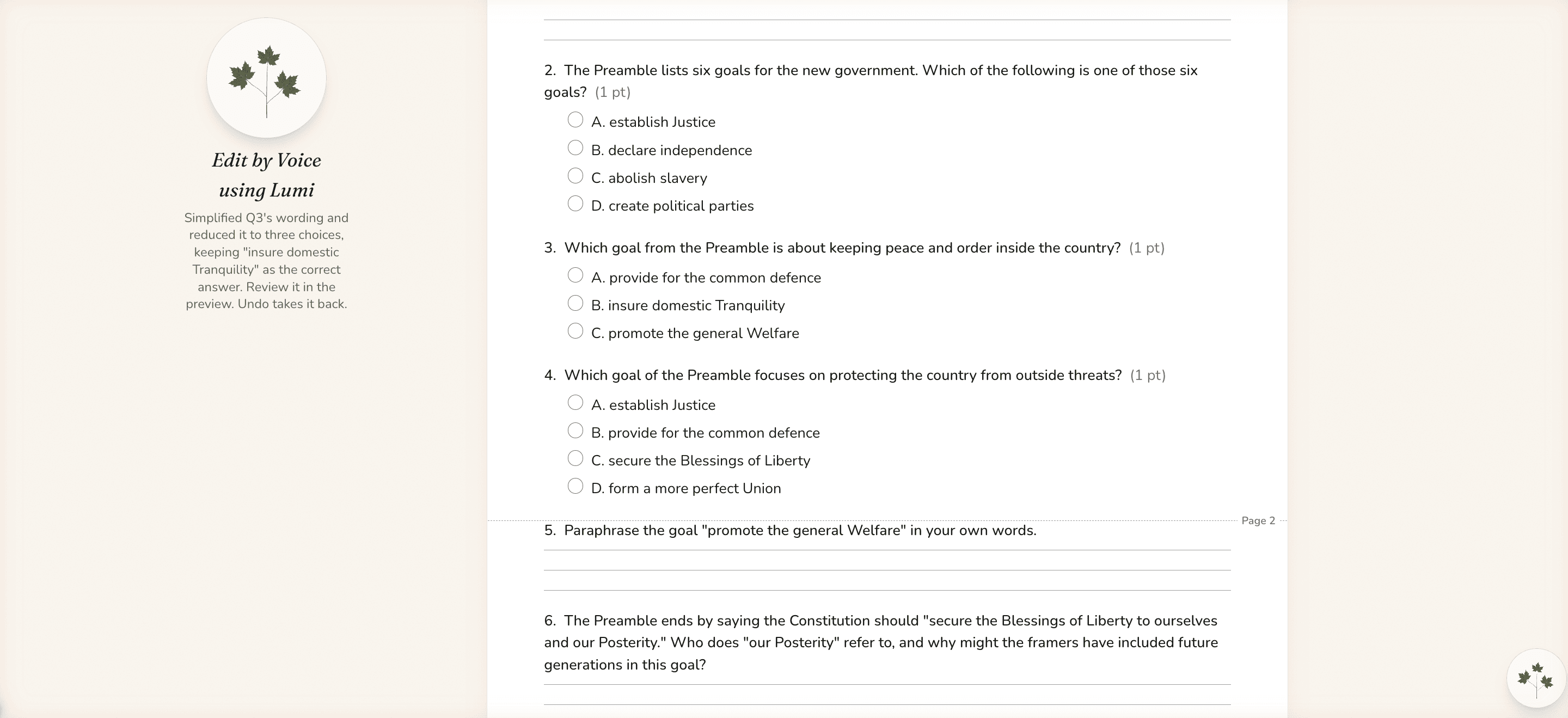
Change the material you have open.
Ask for a change to the worksheet in front of you, like “Make question 3 easier.” Lumi makes the edit and leaves a note saying what it changed.
The editor’s Undo takes it back.
Ask
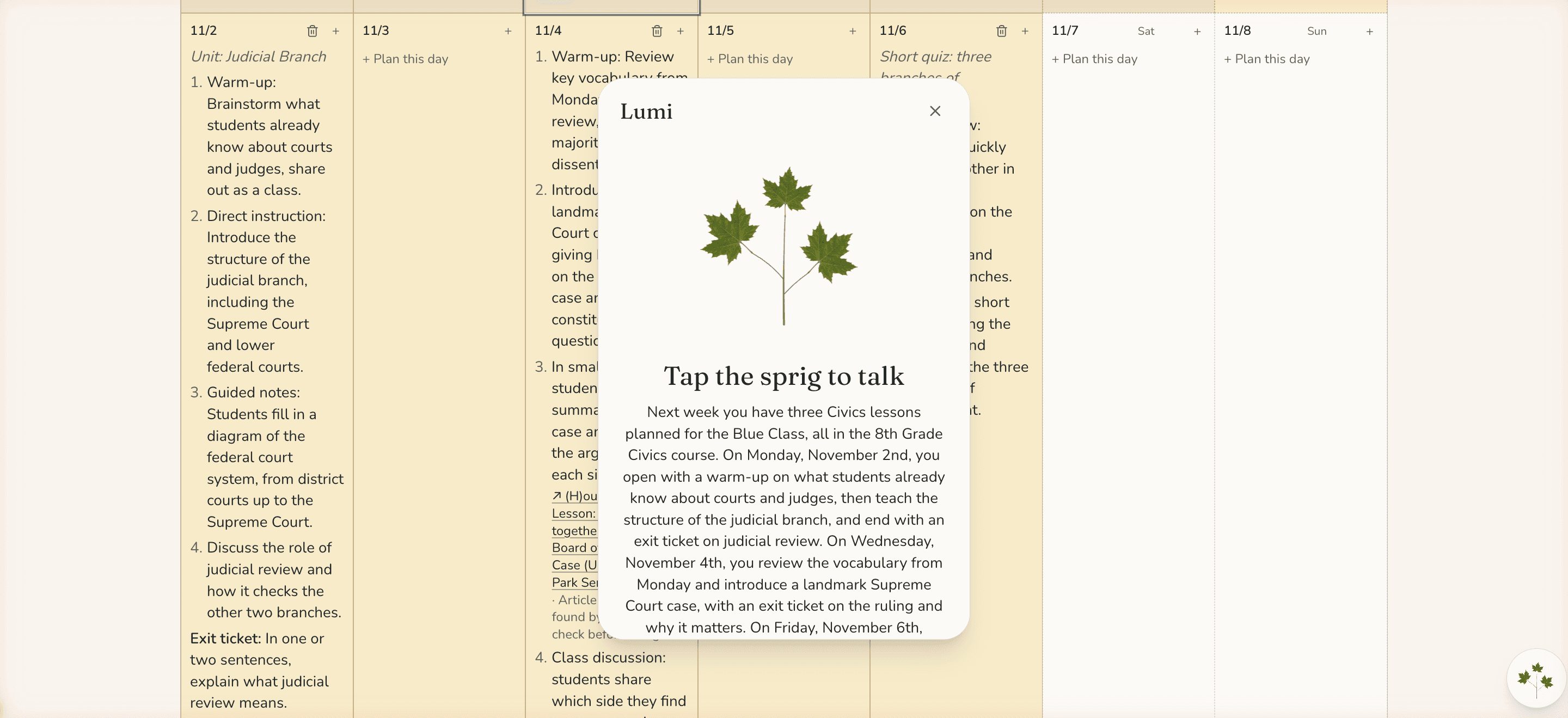
Ask about your plans.
Ask what’s coming up next week, what a day holds, or when your next assessment is. Asking doesn’t change anything.
Around the workspace
More you can ask for.
Map
Move a lesson
Move a lesson, or one step of it, to another day.
Notes
Say how it went
Add a “How it went” note to a day you just taught.
Sub plans
Get ready to be out
Fill in a sub plan for a day you’ll be out. Lumi checks with you before it builds one.
Create
Start a material
Open Create already set up for a day’s lesson. You press Generate when you’re ready.
You stay in control
What Lumi won’t do.
No deleting or sharing
Lumi can’t delete your courses or materials, share your work, or change your settings.
Only your own plans
Lumi won’t touch another teacher’s plans or your district’s settings.
Asks before removing
Lumi asks first before removing anything or leaving a day empty.
Your district decides
If you don’t see Lumi, your district may have turned it off.
See it for yourself
See Lumi work on a week of your own.
Tell us a little about your classroom, school, or district, and we’ll show you how Lumerell fits the way you already plan.