The operating system for teaching
Plan the year, prepare the week, and keep it all in one place.
Built by teachers, for teachers. Plan your year on a curriculum map, make materials from the lessons you planned, review your plans with fresh eyes, and ask Lumi for help by typing or talking. Drafts are yours to keep or change, and you stay in control.
Already using Lumerell? Log in
Who it’s for
Two ways in, one connected workspace.
For Teachers
Your teaching week, in order.
Bring in the curriculum you already have, see what’s coming up, make the materials you need from a planned lesson, and review your plans with fresh eyes.
Explore Lumerell for teachersFor Administrators
A clearer view, without taking control.
Support curriculum, standards, and instructional goals across your schools, with visibility your district chooses and teachers can see.
Explore Lumerell for leaders
How the pieces connect
From the year’s plan to tomorrow’s handout.
Each step builds on the one before it, so your work stays in context.
01
Plan your curriculum
Lay out lessons on a month-by-month map for each course, starting from plans you already have.
More about planning02
Prepare lessons and materials
Make worksheets, exit tickets, assessments, presentations, and more from a planned lesson, then edit them as drafts.
More about Create03
Review and adapt
Look at a unit through an inclusion, modalities, social and emotional learning, or standards lens and choose which suggestions to use.
More about reviews04
Share and see the bigger picture
Share a map with colleagues, and give school leaders a read-only view when your district chooses it.
For administrators
A closer look
One civics course, from the plan to the handout.
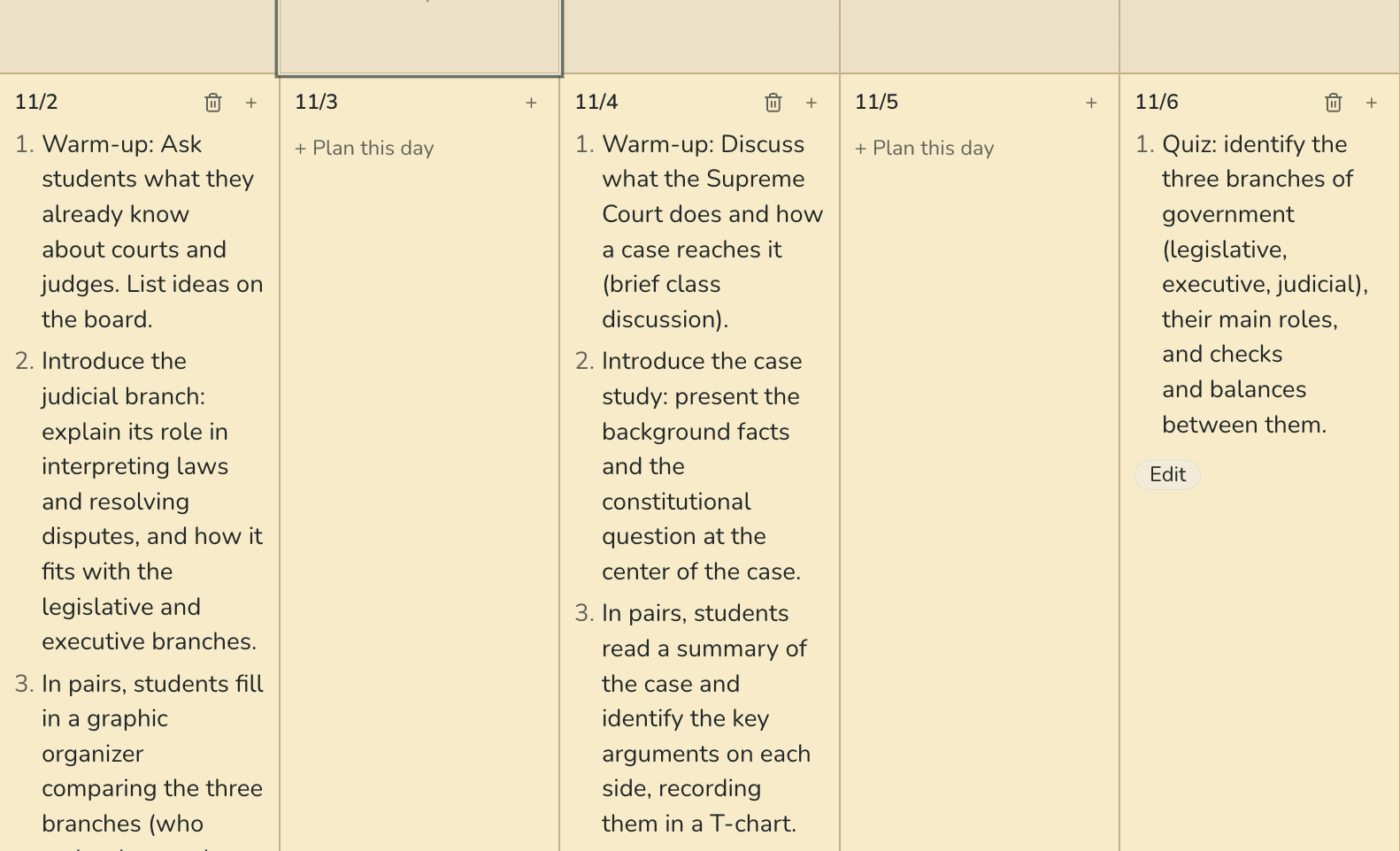
Plan
Plan this week in a sentence.
Type or say what you want this week to look like. Lumerell fills in the days on your map, and you can undo the whole change in one step.
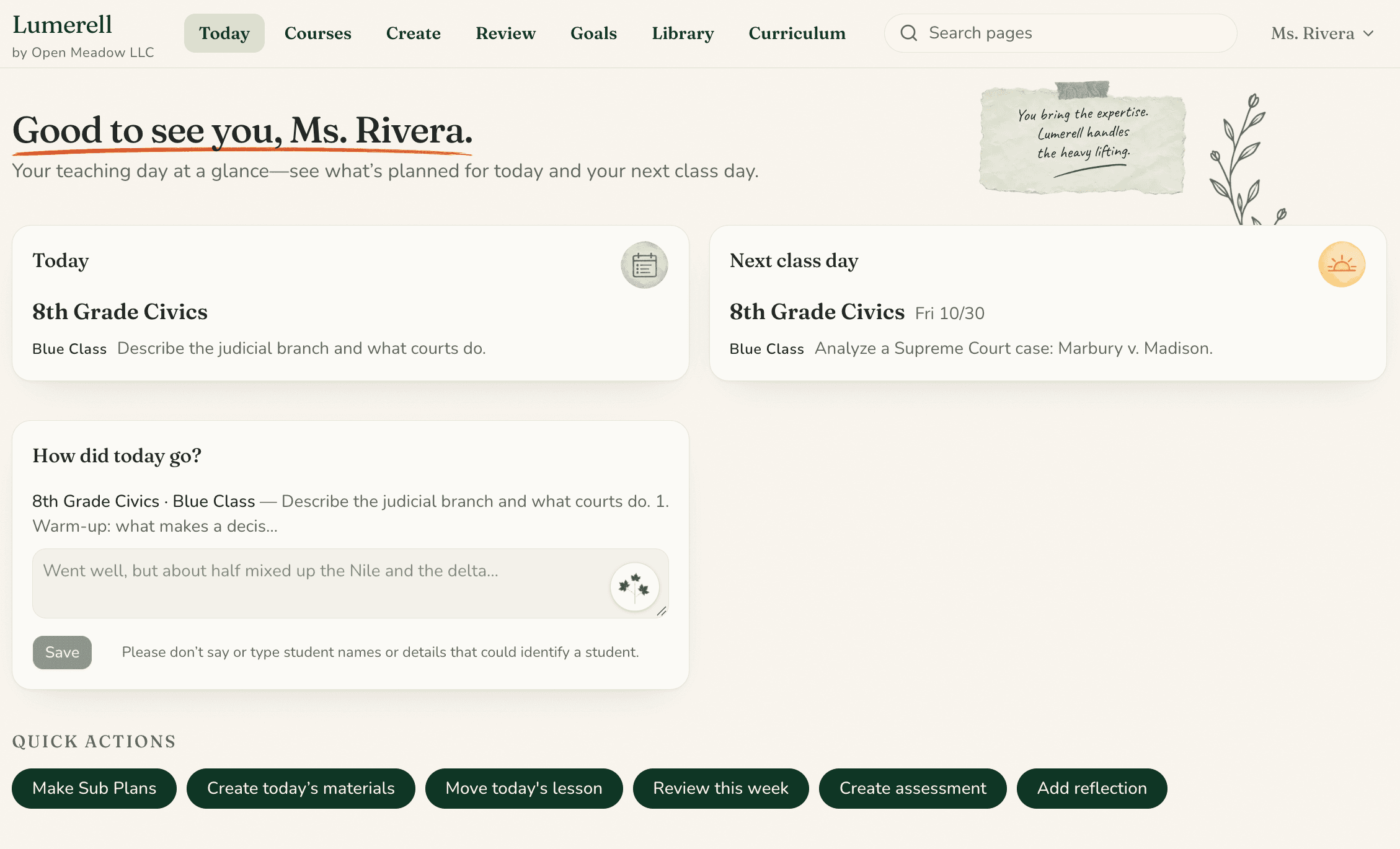
Prepare
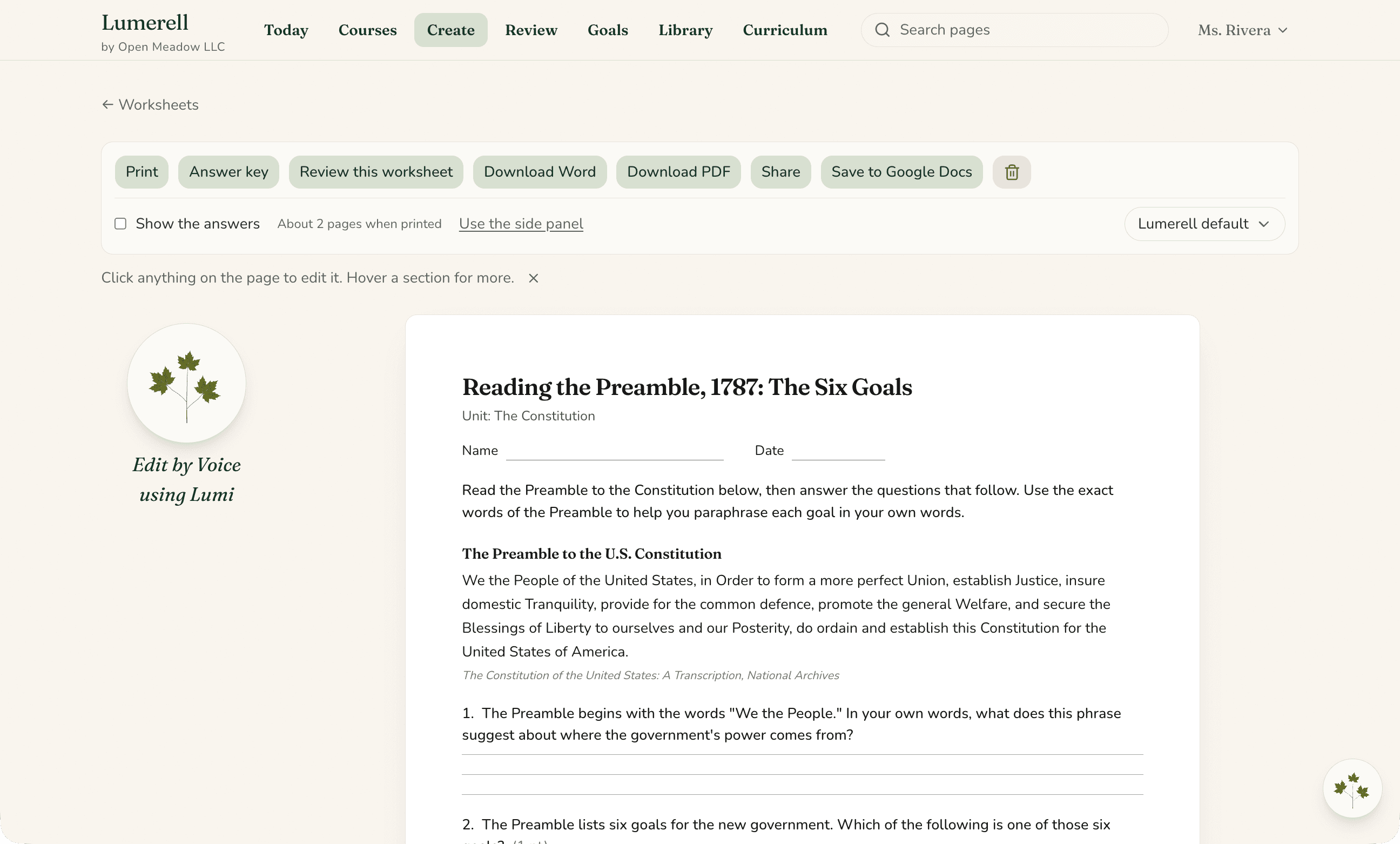
Make today’s materials from today’s lesson.
From the Today page, turn the lesson you planned into a worksheet, exit ticket, or slides, then edit it, print it, or save it as a Word or PowerPoint file, or to Google Docs or Slides.
Review
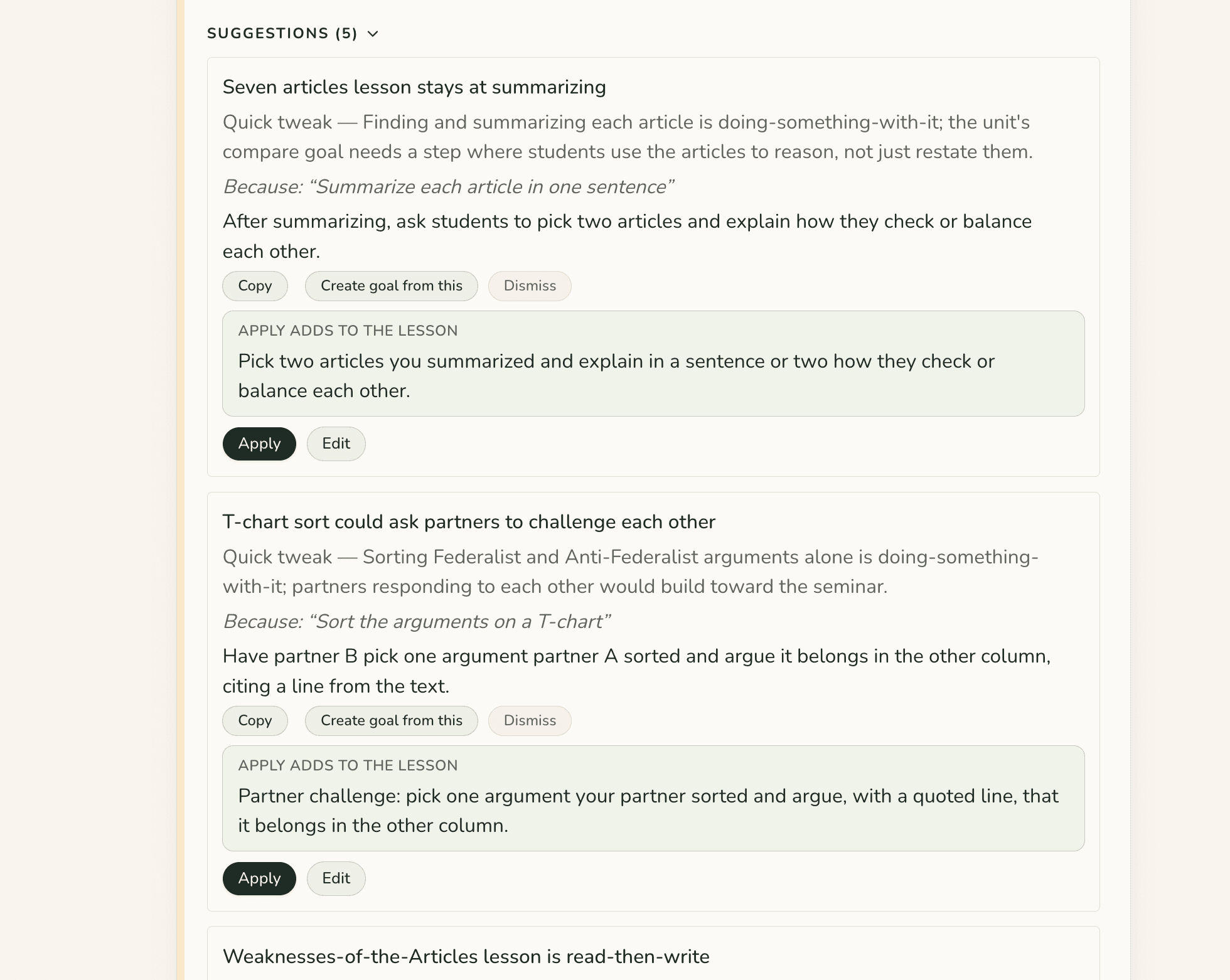
A second look, on your terms.
Run an Inclusion, Modalities, Social and Emotional Learning, or Standards review on your plans. Each suggestion explains its reasoning, and you decide what to change.
Ask
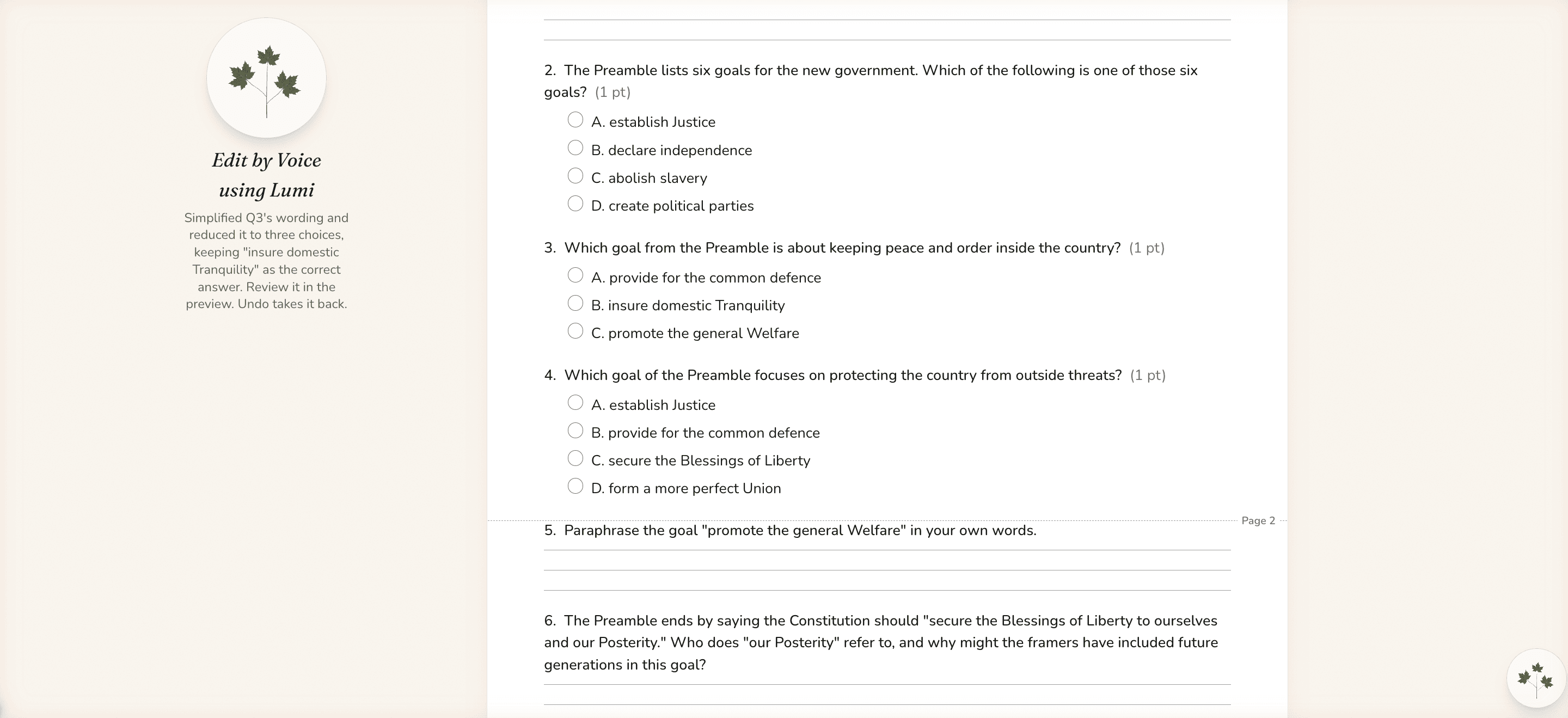
Or just ask Lumi.
Lumi is the helper inside Lumerell. Type or say what you need, like “Make question 3 easier,” and Lumi makes the change in the material you have open. The editor’s Undo takes it back.
Teachers stay in control
Your plans, your judgment.
Drafts, not decisions
Anything Lumerell drafts is yours to keep, change, or discard. Imported plans and review suggestions wait for your OK, and quick planning changes can be undone for 72 hours.
Private by default
Your work is private unless you share it or your district uses the leader view. Nothing is shared automatically. Leaders may see anonymous usage totals, never your content.
No student accounts
Lumerell is for teachers and leaders. It doesn’t need student records or student accounts.
Built by educators
Made by people who know the planning load.

Lumerell is made by Open Meadow LLC, founded by Danah and Joe Meyer. Danah and Joe each spent about ten years as licensed classroom teachers, and much of Lumerell comes from what they lived: long planning nights, substitute plans written in a hurry, and tools that added work instead of removing it.
See it for yourself
Let’s walk through Lumerell together.
Tell us a little about your classroom, school, or district, and we’ll show you how Lumerell fits the way you already plan.