Create
Make what the lesson needs, then make it fit.
Choose what you need: worksheets, bell ringers, exit tickets, vocabulary, review games, assessments, rubrics, projects, labs, station rotations, choice boards, presentations, and more. Lumerell drafts it from your lesson, and you edit it like any document.
Make
Start from the lesson you planned.
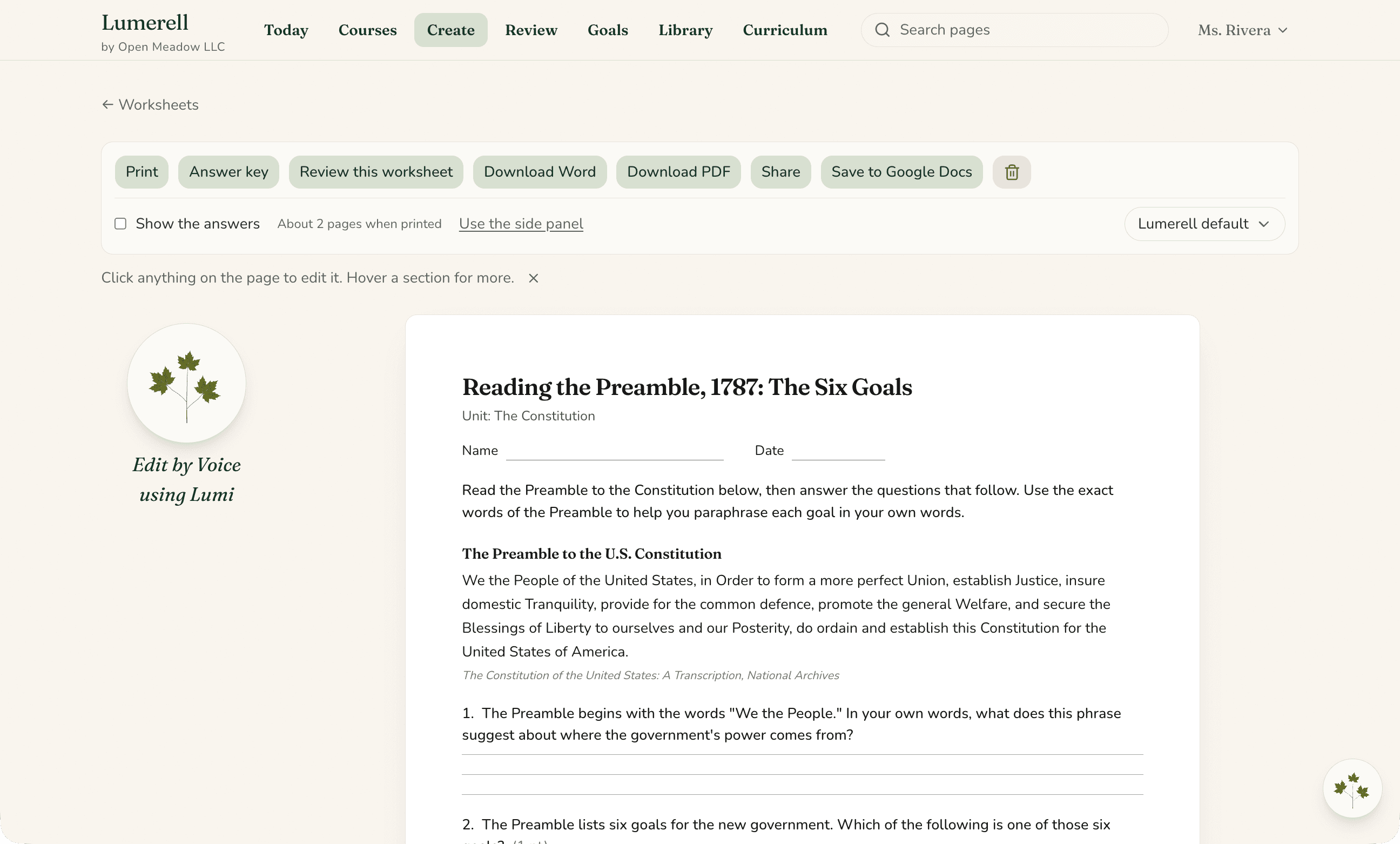
From the Today page, turn the lesson you planned into a worksheet, exit ticket, or slides, then edit it, print it, or save it as a Word or PowerPoint file, or to Google Docs or Slides.
- Present slides full-screen, right from Lumerell
- Print, or save as PDF from your browser
Adapt
Make it fit your students.
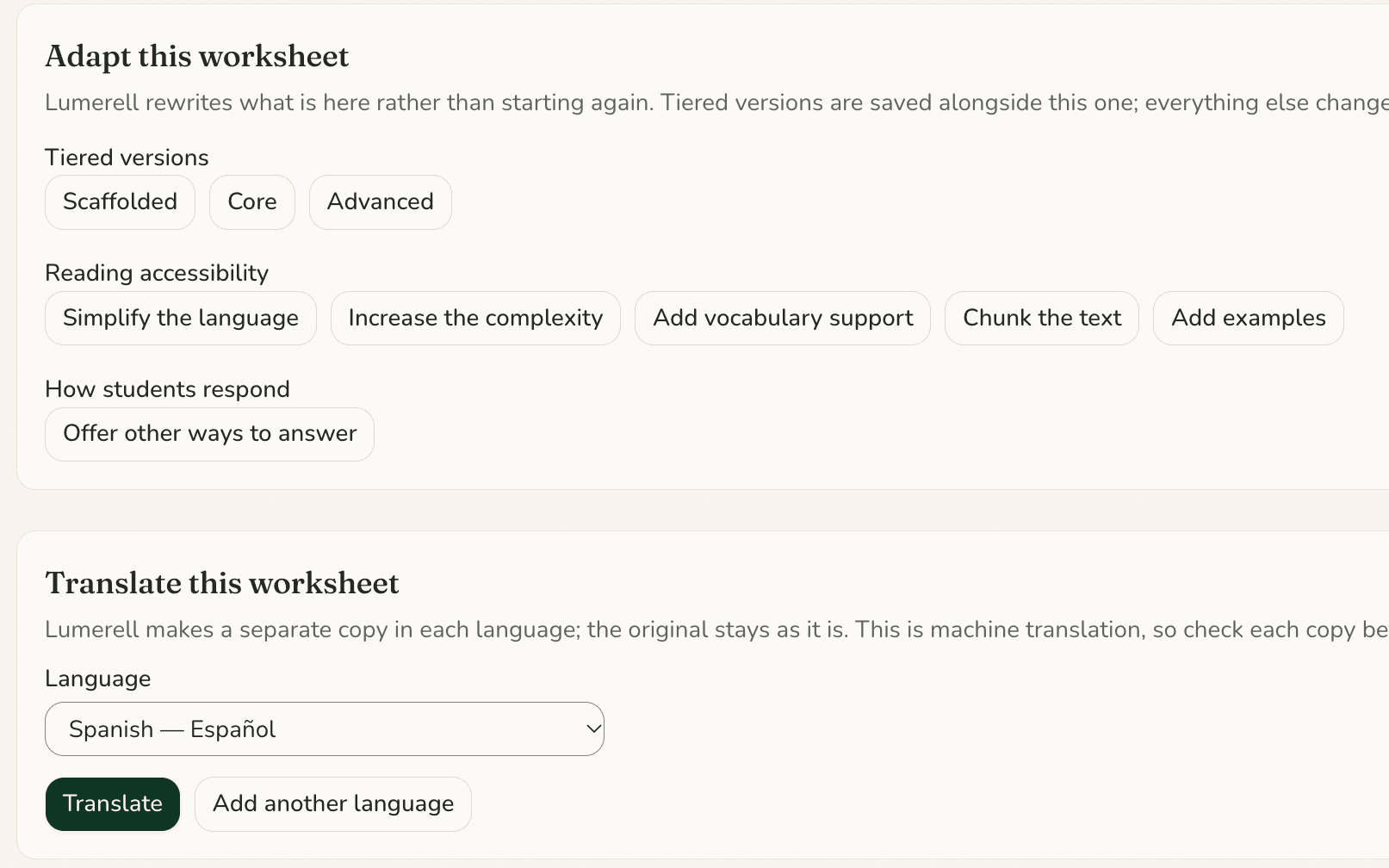
Every classroom is different. Create Scaffolded, Core, and Advanced versions of a material, simplify or deepen the language, add vocabulary support or examples, break the text into manageable chunks, and offer different ways for students to show what they understand.
Tiered versions are saved alongside your original, and Undo reverses other edits.
Sub plans
Ready before you’re out.
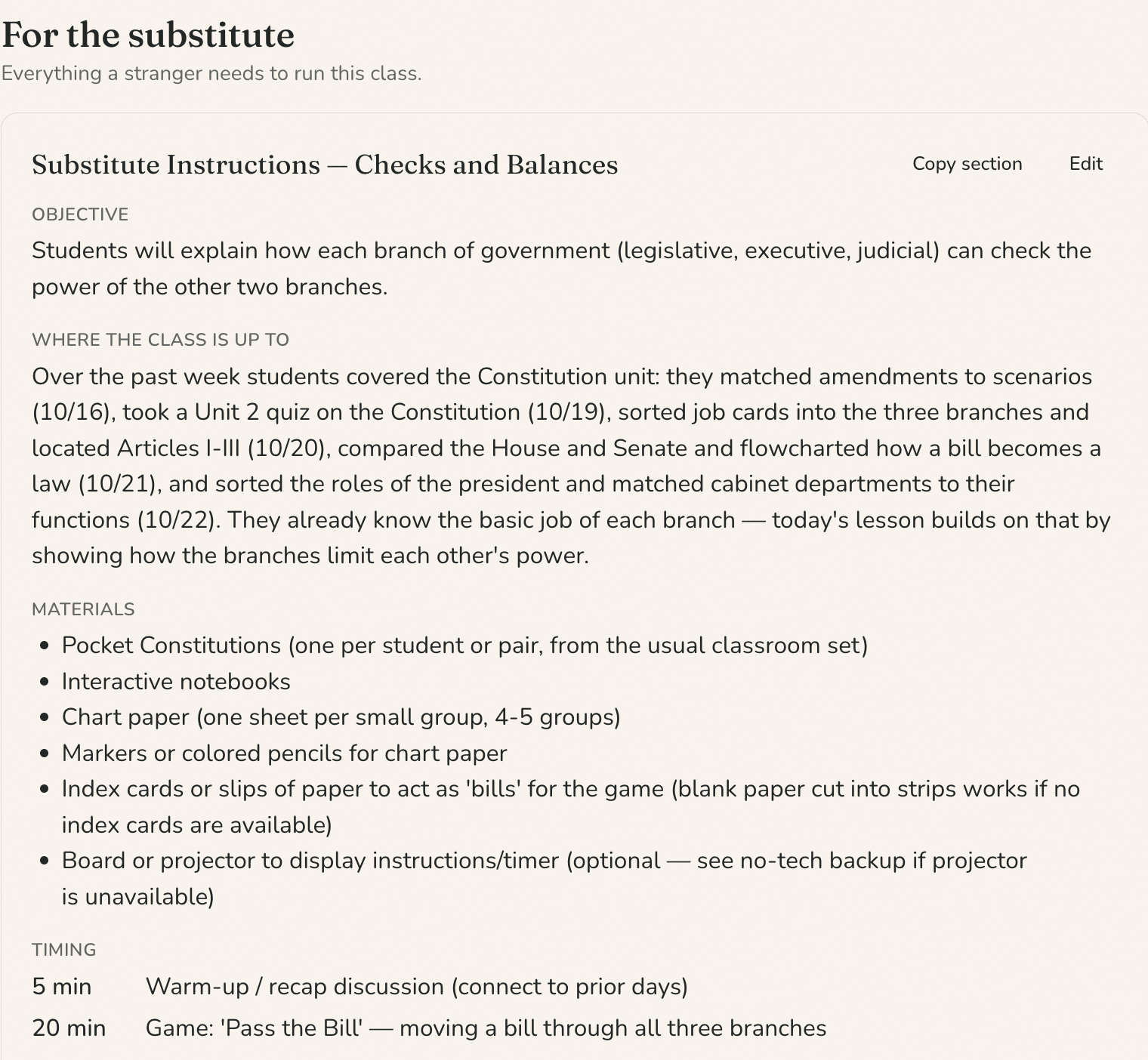
Build a substitute plan for one class on one day from the lesson already on your map.
Edit each section, leave notes for your substitute, and attach documents like a class schedule or room layout. Print it, download it as a Word document, or save it to Google Docs.
Translate
Help more students access the lesson.
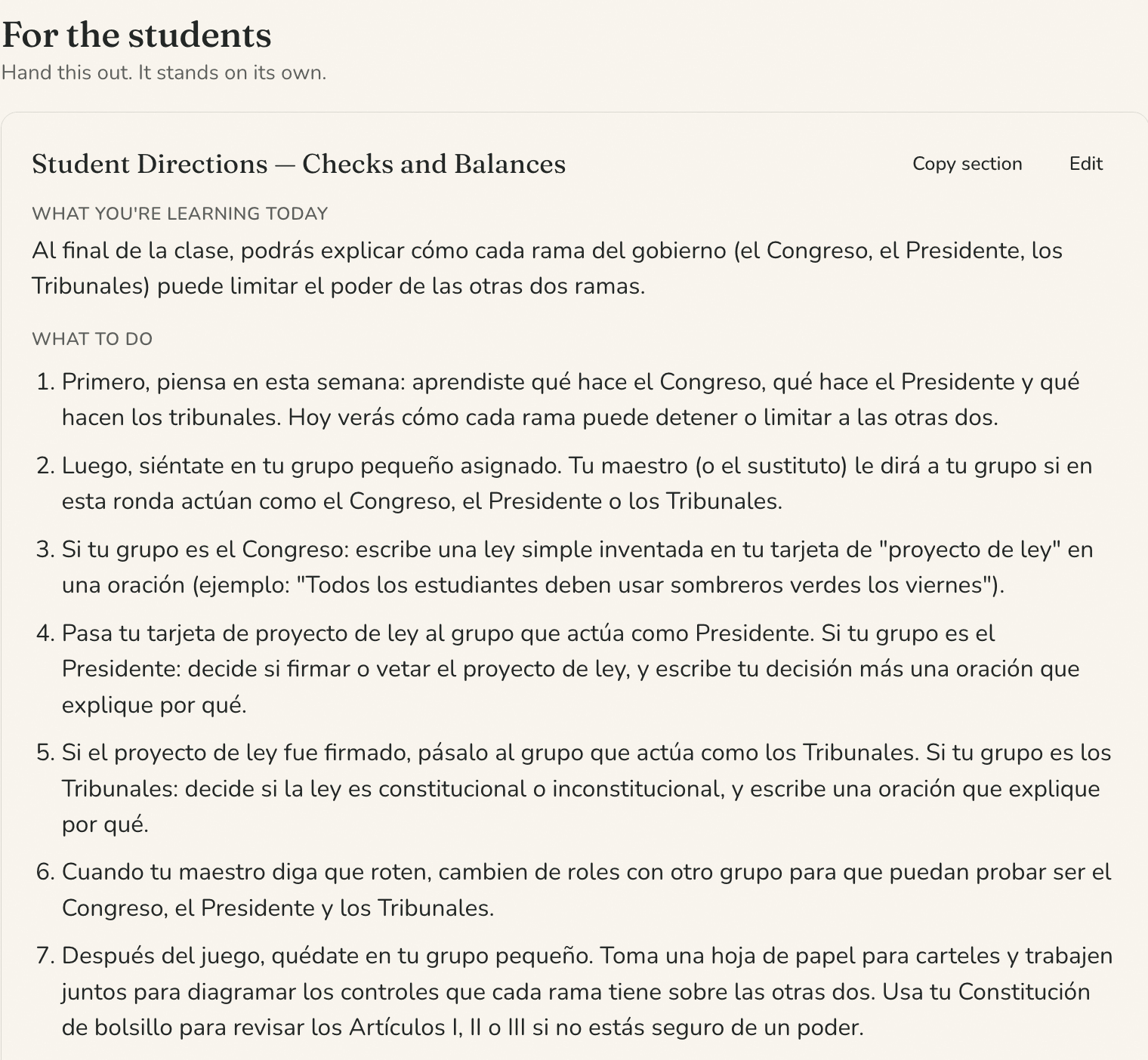
Translate a material into 15 languages, including Spanish, Portuguese, Haitian Creole, Chinese, and Arabic, as a new copy beside your original.
In a sub plan, translate the student-facing pages while the substitute’s instructions stay in English.
Library
Everything you create, organized by class.
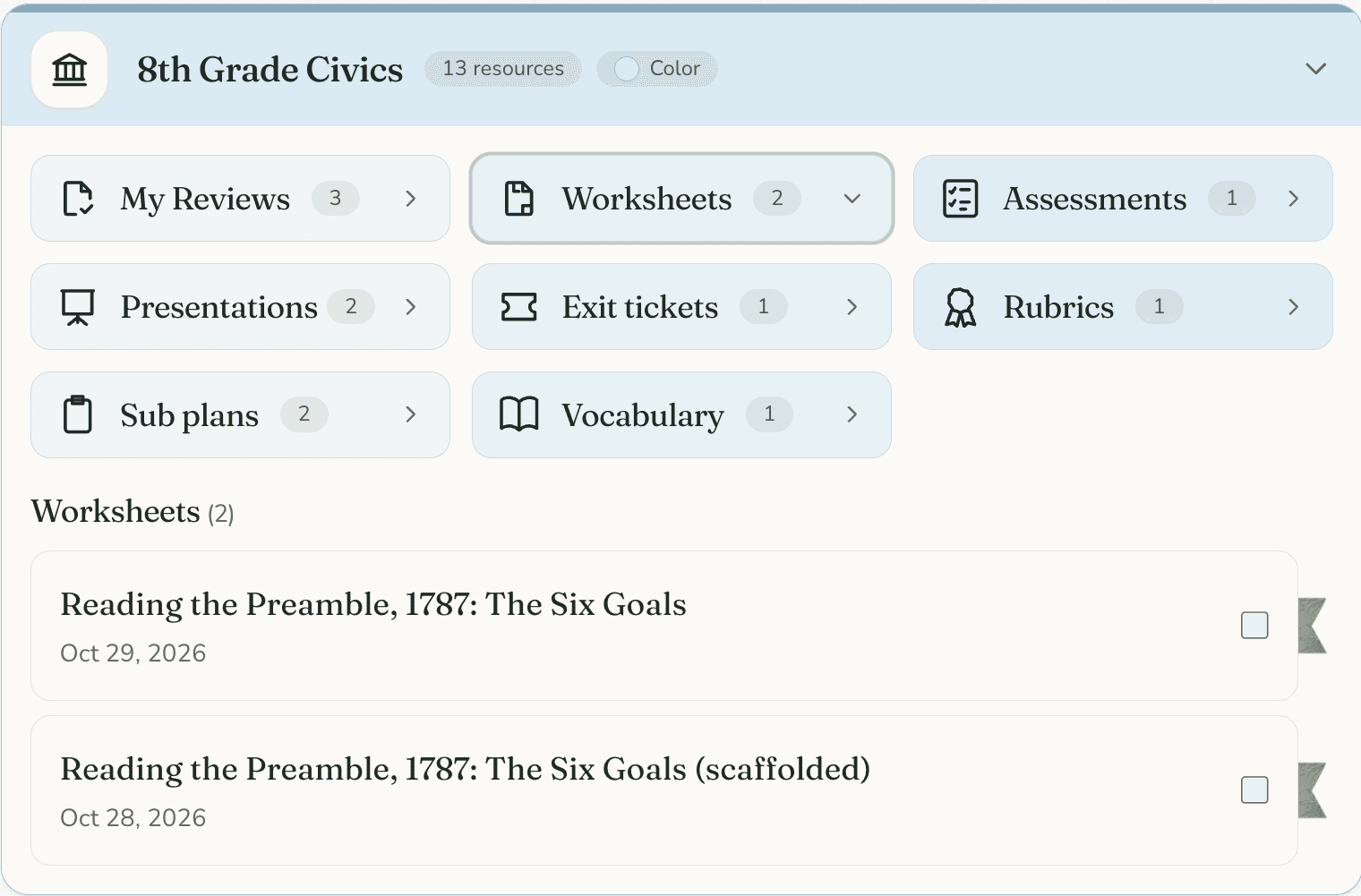
Find your materials in a folder for each class, organized by type. From last week’s exit ticket to tomorrow’s worksheet, what you need is easy to find.
Share a material with a colleague or your whole district, and copy what colleagues share with you.
See it for yourself
See it make something from one of your lessons.
Tell us a little about your classroom, school, or district, and we’ll show you how Lumerell fits the way you already plan.